 how-to
Solar Battery Storage Maintenance Requirements
Table of Contents
- What Solar Battery Storage Maintenance Actually Requires
- Solar Battery Maintenance Checklist: Monthly and Seasonal Tasks
- Solar Battery Inspection: What Professionals Look For
- Solar Battery Warning Signs You Can't Ignore
- Solar Battery Maintenance After a Storm or Hurricane
- Battery Age, Warranty, and When to Replace
- Why You Need a Service Plan for Battery Backup
- Frequently Asked Questions
Last Updated: October 16, 2026
What Solar Battery Storage Maintenance Actually Requires
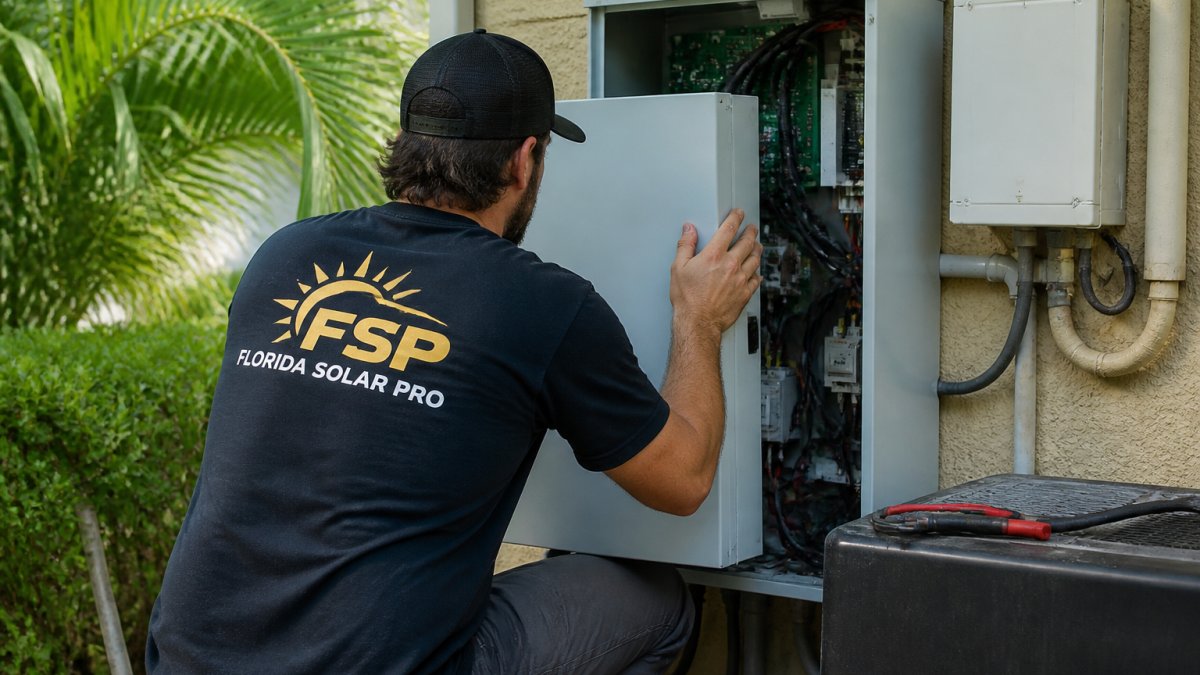
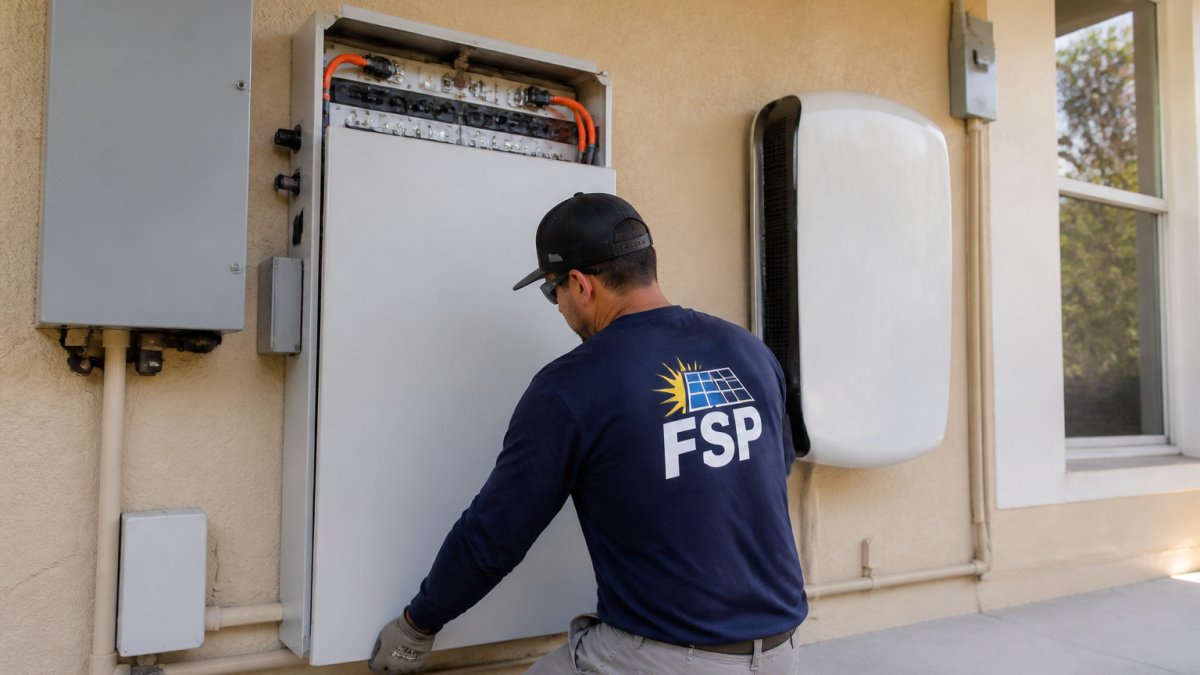
Battery storage systems don't maintain themselves. A Tesla Powerwall, Enphase IQ Battery, or Generac PWRcell sits on your garage wall or in a closet for years, and most homeowners never touch them until something breaks. That's a mistake. At Florida Solar Pro, we've seen batteries fail early because owners skipped basic checks. Solar battery storage maintenance requirements aren't complicated, but they're real.
The truth is simple: batteries need monitoring, seasonal prep, and a professional inspection every few years. This guide covers what you can do yourself and when to call us.
Solar Battery Maintenance Checklist: Monthly and Seasonal Tasks
Monthly checks catch problems early. Seasonal prep protects your backup power when you need it most.
Monthly checks you can do yourself
Visual inspection (5 minutes)
- What to check: Look at the battery unit itself and all visible cables.
- What you'll see: The unit should be clean and dry. Cables should be tight at both ends. No corrosion on terminals (white, green, or blue crusty buildup). No loose wires.
- What it means: Loose connections reduce power flow. Corrosion blocks it. If you see either, note it for a service call.
Monitor app check (2 minutes)
- What to check: Open your battery's monitoring app (Tesla, Enphase, Generac, etc.).
- What you'll see: The app should show your battery status as "online" or "ready." Look for any warning icons or error codes.
- What it means: If the app says "offline" or shows a red alert, your battery isn't communicating. That's a pro problem.
Check the breaker (1 minute)
- What to check: Find the breaker that controls your battery system. It's usually near your main panel or battery unit.
- What you'll see: The switch should be in the ON position. It shouldn't be hot to the touch.
- What it means: A tripped breaker or hot switch means an electrical fault. Turn it off and call us before you turn it back on.
| Task | Frequency | Time | DIY or Pro |
|---|---|---|---|
| Visual inspection | Monthly | 5 min | DIY |
| App status check | Monthly | 2 min | DIY |
| Breaker check | Monthly | 1 min | DIY |
| Connection tightening | Quarterly | 10 min | DIY (if confident) |
| Professional inspection | Yearly | 1-2 hours | Pro |
| Post-storm assessment | After storms | 15 min | DIY first, then pro |
Seasonal prep before hurricane season
Hurricane season runs June through November. Your battery is your backup power when the grid goes down. Prep it in May.
Before hurricane season:
- Clean the area around your battery. Remove leaves, debris, and anything that could block ventilation.
- Check that all cables are secured and not exposed to weather.
- Test your battery's backup mode. Run a manual discharge test if your system allows it.
- Make sure your monitoring app is working and you know how to read it.
- In Port St. Lucie and inland areas like Okeechobee and Sebring, check roof straps and penetrations if your battery is mounted on the roof. Wind damage starts there.
If you live in a coastal area like Stuart or Fort Lauderdale, salt spray corrodes connections faster. Rinse the battery unit with fresh water (don't spray directly at connectors) and wipe it dry.
Solar Battery Inspection: What Professionals Look For
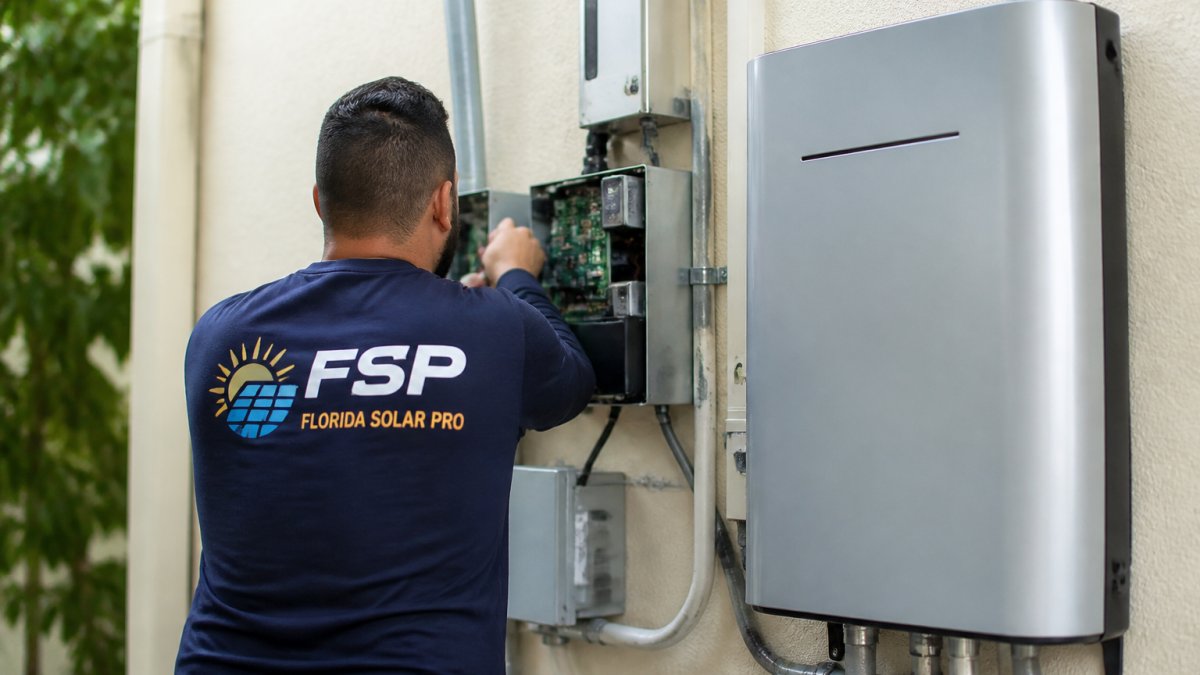
We do a full inspection once a year. Here's what we check that you can't do safely at home.
Internal voltage and current draw
We use a multimeter to check the battery's actual voltage and current. The numbers tell us if the battery is holding a charge or losing it. A healthy battery stays stable.
Temperature and cooling system
Batteries generate heat (pubmed.ncbi.nlm.nih.gov). Most systems have cooling fans or passive ventilation. We check that air flows freely and the battery isn't running hot. An overheating battery fails fast.
Inverter settings and firmware
Your inverter (the box that converts DC power to AC) has settings that control how your battery charges and discharges.
Grounding and bonding
Electrical safety depends on proper grounding. We test that your battery system is bonded to your home's ground. A missing or loose ground creates a shock hazard and can damage equipment.
Connections and terminals
We inspect every terminal and connector. We tighten loose ones and clean corrosion. In Port St. Lucie and coastal areas, we check for salt spray damage.
Monitoring system integration
We verify that your battery is talking to your inverter, your solar panels, and your monitoring system. A battery that's electrically fine but offline in the app is useless.
Solar Battery Warning Signs You Can't Ignore
Stop using your battery and call us if you see any of these.
Battery won't charge or discharge
- Symptom: The battery level stays at 0% or 100% no matter what you do.
- Cause: Internal contactor failure, inverter fault, or communication error.
- DIY or pro: Pro only. Don't try to force a discharge.
Monitoring app shows error codes
- Symptom: The app displays codes like "DER001," "BMS_FAULT," or "GROUND_FAULT."
- Cause: Depends on the code. Ground faults mean a safety issue. BMS faults mean the battery management system detected a problem.
- DIY or pro: Pro only. Error codes are your battery's way of saying something's wrong.
Battery is very hot or making noise
- Symptom: The unit is too hot to touch. You hear buzzing, clicking, or humming from inside.
- Cause: Cooling fan failure, internal short, or component overheating.
- DIY or pro: Pro immediately. A hot battery can fail or catch fire.
Corrosion around terminals
- Symptom: White, green, or blue crusty buildup on connectors.
- Cause: Moisture and oxidation. Common in humid climates and coastal areas.
- DIY or pro: Light corrosion can be cleaned by a careful homeowner. Heavy corrosion needs a pro to avoid damaging terminals.
Breaker keeps tripping
- Symptom: The battery breaker flips to OFF repeatedly.
- Cause: Overload, short circuit, or inverter fault.
- DIY or pro: Pro only. Don't keep resetting it. Each reset stresses the system.
Solar Battery Maintenance After a Storm or Hurricane
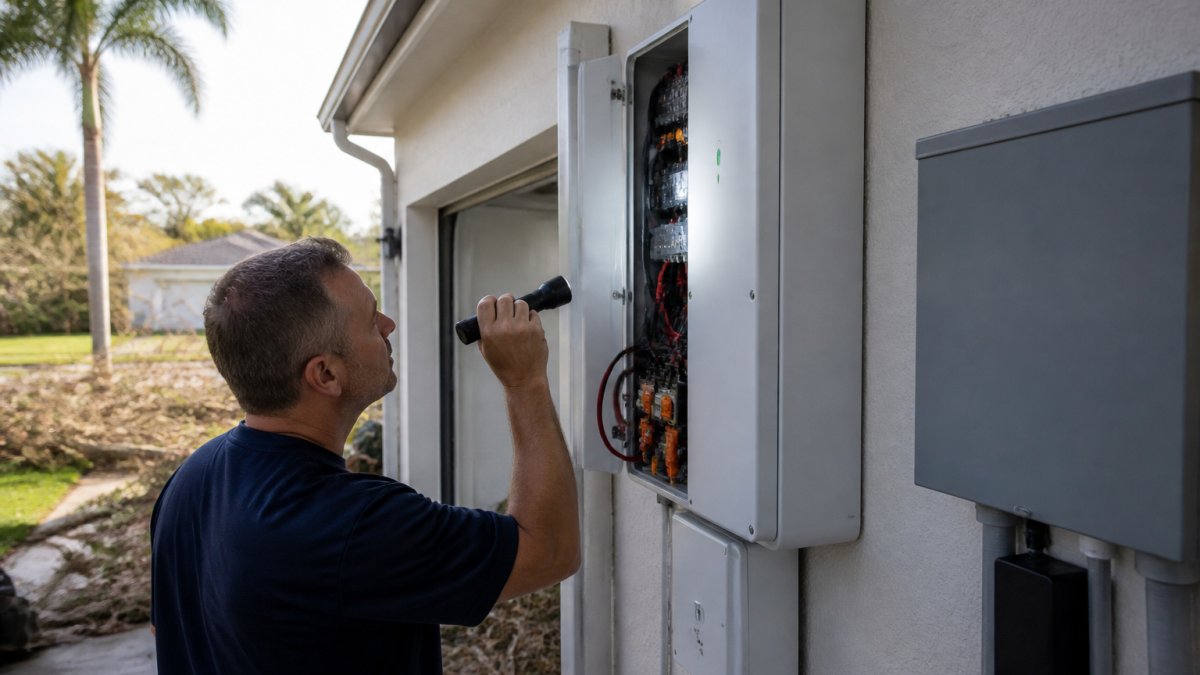
Storms test your battery. High winds, lightning, and flooding all cause damage.
Immediate steps after severe weather
Step 1: Check for visible damage (15 minutes)
- What to check: Look at the battery unit, all cables, and the mounting hardware.
- What you'll see: Dents, cracks, loose cables, or water pooling around the unit.
- What it means: Visible damage needs a pro inspection before you use the battery again.
Step 2: Check the breaker and app (5 minutes)
- What to check: Is the breaker still on? Does the app show the battery online?
- What you'll see: If the breaker tripped, don't reset it yet. If the app says offline, note the time.
- What it means: A tripped breaker after a storm usually means a fault was triggered. The system protected itself.
Step 3: Look for water intrusion (10 minutes)
- What to check: Is there water inside the battery enclosure or around connectors?
- What you'll see: Water, condensation, or wet residue on terminals.
- What it means: Water inside means the battery is compromised. Don't try to dry it yourself.
When to stop and call a professional
Stop and call us immediately if:
- The battery unit has cracks or dents that go through the casing.
- Water is inside the unit or pooled around it.
- The breaker tripped and won't reset.
- The monitoring app shows offline and doesn't come back online after 10 minutes.
- You smell burning or see smoke.
- Any cable is visibly damaged, burned, or melted.
In Port St. Lucie, storm damage is common. We do post-hurricane inspections. Call us at 772-464-2663 right after the storm if you're worried.
Battery Age, Warranty, and When to Replace
Most residential batteries last 10 to 15 years. That's not a hard rule. Real lifespan depends on how often you use the battery and how hot it runs.
Tesla Powerwall: Designed for 10+ years of daily cycling. Warranty covers 70% capacity after 10 years.
Enphase IQ Battery: Rated for 10+ years. Warranty is 10 years for the battery module.
Generac PWRcell: Modular system. Each battery module lasts 10+ years. You can replace modules instead of the whole system.
If your battery is 10+ years old and losing capacity (charging slower, holding less power), replacement makes sense. Before that, degradation is usually gradual and not a safety issue.
If your battery is under warranty and failing, the manufacturer covers replacement. We handle the warranty claim and installation. If it's out of warranty and dead, replacement cost depends on the system size and type. Call us for a free estimate.
Why You Need a Service Plan for Battery Backup
Our Battery Watch plan includes:
- One complimentary service call per year.
- Priority response. We come faster than standard service calls.
- 10% discount on all repairs.
- Warranty management. We handle claims and coordination.
- Monitoring support. We help read error codes and troubleshoot.
We're a family-owned company. The owner answers the phone.
Battery maintenance isn't hard, but it matters. Monthly checks catch problems early. Seasonal prep protects your backup power.
If your battery needs a check or you want a service plan, call Florida Solar Pro at 772-464-2663.
Frequently Asked Questions
How often should I check my battery?
Check it monthly. Look at the unit, check the app, and verify the breaker is on. Takes five minutes.
Can I clean corrosion off the battery terminals myself?
Light corrosion can be cleaned with a dry brush or cloth. Heavy corrosion needs a pro.
What's the difference between a battery that's degraded and one that's failing?
Degradation is slow. Your 10-year-old battery holds 80% of its original capacity. That's normal. Failure is sudden.
Do I need a service plan if my battery is still under warranty?
Yes. Warranty covers manufacturer defects, not maintenance or emergency service. A service plan gives you priority response and discounts.
My battery went offline after a power surge. Will it come back on by itself?
Maybe. If the surge triggered a safety shutoff, the system might reset after a few minutes.
How do I know if my battery needs replacement?
Age plus capacity loss.
Frequently Asked Questions
Do solar batteries require regular maintenance?
Yes. Solar batteries need regular monitoring and seasonal prep, especially in Florida where heat, humidity, and hurricane season create stress. Monthly checks on connections and indicator lights take 10 minutes. Professional inspections annually catch problems early. Neglect shortens battery life and increases the risk of failure when you need backup power most.
How often should a home solar battery be inspected?
Inspect your battery monthly for loose connections, corrosion, and warning lights. Schedule a professional inspection annually, and always after a hurricane or severe storm. If your system includes Tesla Powerwall, Enphase IQ Battery, or Generac PWRcell, the monitoring app alerts you to issues, but a hands-on check confirms what the system reports.
What should I check on my solar battery after a hurricane or storm?
After severe weather, check for water intrusion, loose mounting straps, corroded connections, and cracked conduit. Look for warning lights on the battery unit itself. If the battery got wet, lost power unexpectedly, or won't charge, stop using it and call a professional. Don't assume damage is cosmetic. Storm surge and lightning can damage internal components you can't see.
How do I know if my solar battery is working properly?
A working battery charges during the day when the sun is up, shows a full or near-full state of charge in your monitoring app, and provides power during outages or peak hours. Warning signs of trouble include the battery not charging, showing error codes, losing charge faster than normal, or not powering your home during an outage. If you're unsure, a Solar Rescue Assessment can diagnose the issue.
Florida Solar Pro · *, Solar Energy Professionals, * · 1930 SW Biltmore St, Port St. Lucie, FL 34984 · 772-464-2663 · Licenses CVC56702 · CPC1458189 · CAC1817178 · SCC131153056