 how-to
Solar Production Dropped? 9 Reasons Your Florida System Is Down
Last Updated: October 28, 2026
Quick Summary
Solar production dropped troubleshooting in Florida usually comes down to one of nine causes: inverter failure, a dead Enphase microinverter, a SolarEdge optimizer fault, a monitoring glitch, damaged wiring, new shade, dirty or broken panels, an electrical fault, or normal seasonal change. Start with the monitoring app, not the roof, and compare it against your FPL bill to tell a real loss from an app problem.
- A flat line at zero on your app points to an inverter or communications failure.
- One panel low while the rest look normal points to a microinverter or optimizer.
- Do not open the inverter cover; the DC side holds live voltage even in daylight.
- Stop and call a pro for a ground or arc fault code, burning smell, or scorch marks.
- We take over orphaned systems and their warranties when the original installer is gone.
Table of Contents
- Why Did My Solar Production Suddenly Drop?
- Is It a Real Production Loss or Just a Monitoring Problem?
- Solar Inverter Troubleshooting: Start at the Box on the Wall
- Enphase Microinverter Not Working? Check One Panel at a Time
- SolarEdge Optimizer Troubleshooting: Reading the Panel Map
- Solar Monitoring App Not Updating? Fix the Signal First
- The Other Causes: Wiring, Shade, Dirty Panels, Faults, and Season
- When to Stop and Call a Technician
- Frequently Asked Questions
Why Did My Solar Production Suddenly Drop?
Solar production dropped troubleshooting in Florida usually comes down to one of nine causes: inverter failure, a dead Enphase microinverter, a SolarEdge optimizer fault, a monitoring glitch, damaged wiring, new shade, dirty or broken panels, an electrical fault, or normal seasonal change. For a deeper walkthrough of solar system underperformance causes and fixes, we cover each one in detail. Start with the monitoring app, not the roof. This guide from Florida Solar Pro covers solar production dropped troubleshooting in Florida, and we've been fixing these systems for 30 years.
The first thing we tell a homeowner in Boca Raton or Fort Lauderdale: don't panic, and don't climb on the roof.
Here's the nine-item list, then how to work through it.
| # | Cause | Symptom You'll Notice | DIY or Pro |
|---|---|---|---|
| 1 | Inverter failure | Whole system at zero, red light | Pro |
| 2 | Enphase microinverter | One panel low, rest fine | Pro |
| 3 | SolarEdge optimizer | App shows one panel flat | Pro |
| 4 | Monitoring failure | App dead, bills look normal | DIY check |
| 5 | Damaged wiring | Intermittent output, error codes | Pro |
| 6 | New shade growth | Gradual dip, morning or evening | DIY trim |
| 7 | Dirty or damaged panels | Slow decline, visible debris | DIY wash |
| 8 | Electrical fault | Ground or arc fault code | Pro |
| 9 | Seasonal change | Lower winter output, steady | None |
Is It a Real Production Loss or Just a Monitoring Problem?
A monitoring problem means your panels still make power but the app can't see it. A real production loss means the panels themselves stopped making power. You can tell the difference without opening any electrical equipment.
Check your last FPL bill first. If the meter still shows solar credits and your usage looks normal, the system is likely producing and only the app is down. That's a big difference from a real outage.
How to Read Your Production History Without Opening Anything
Open your monitoring app and look at the daily and monthly graphs. You're looking for two things: the shape of the curve and the size of the drop.
- A flat line at zero points to an inverter or communications failure.
- One panel low, the rest normal points to a microinverter or optimizer.
- A gradual slide over weeks points to shade, dirt, or seasonal change.
- A sharp cliff on one day points to a fault, storm damage, or a tripped breaker.
What you'll see and what it means: if the graph is flat but your FPL bill shows credits, the bill and app are showing different information.
Solar Inverter Troubleshooting: Start at the Box on the Wall
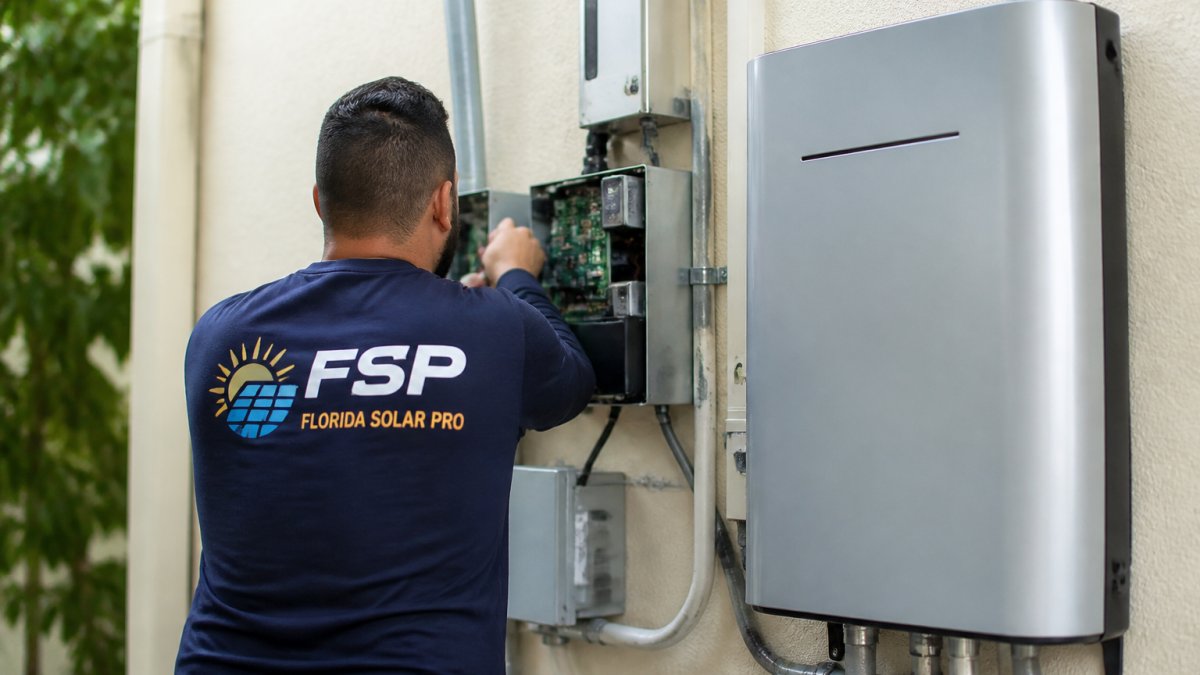
The inverter converts DC power from your panels into AC power for your house (Solar Integration: Inverters and Grid Services Basics). When it fails, the whole system goes quiet.
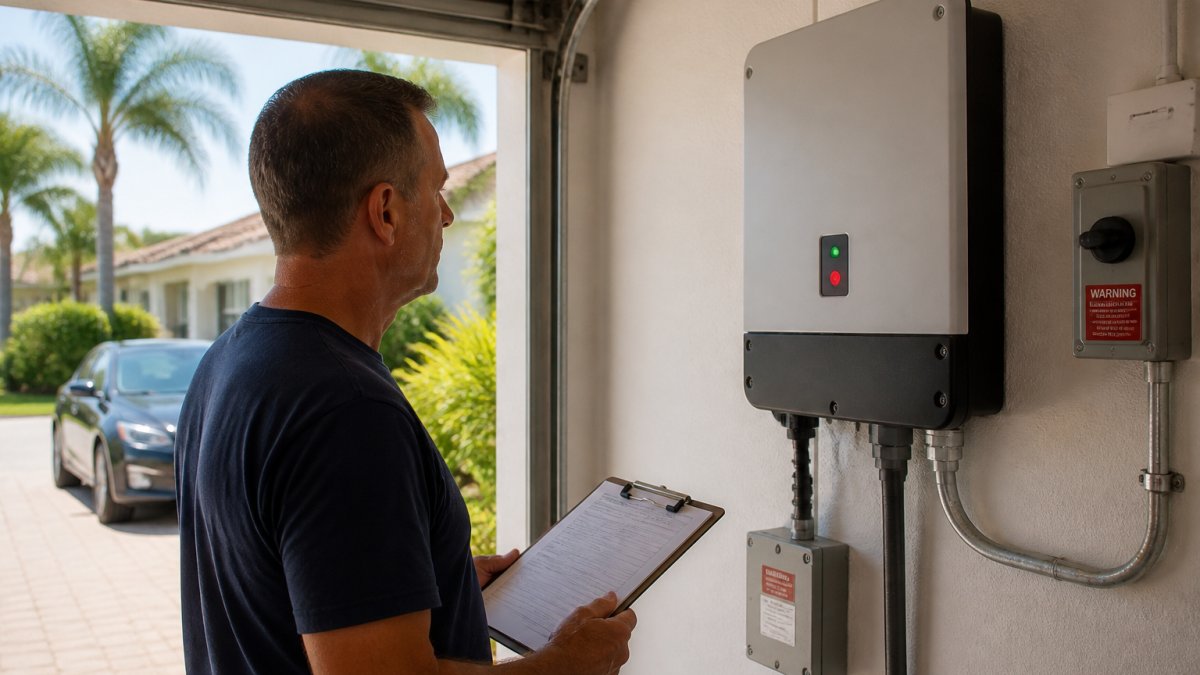
Here's what you can safely check:
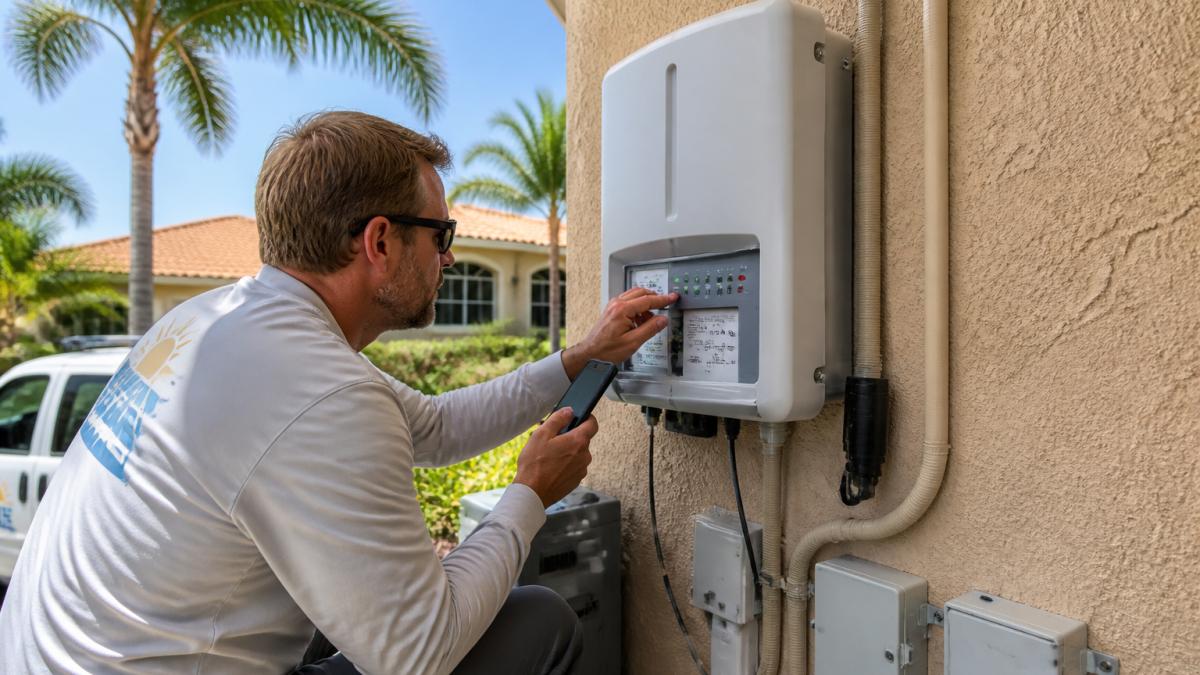
- Look at the status light. Green means producing. Red or blinking means a fault. What it means: a fault code needs a pro.
- Read the screen. Most inverters show an error code. Write it down.
- Check the breaker. Find the solar breaker in your main panel and see if it tripped. What it means: a tripped breaker that stays tripped is a fault, not a fluke.
- Look for water or bugs. What it means: damage inside means call us.
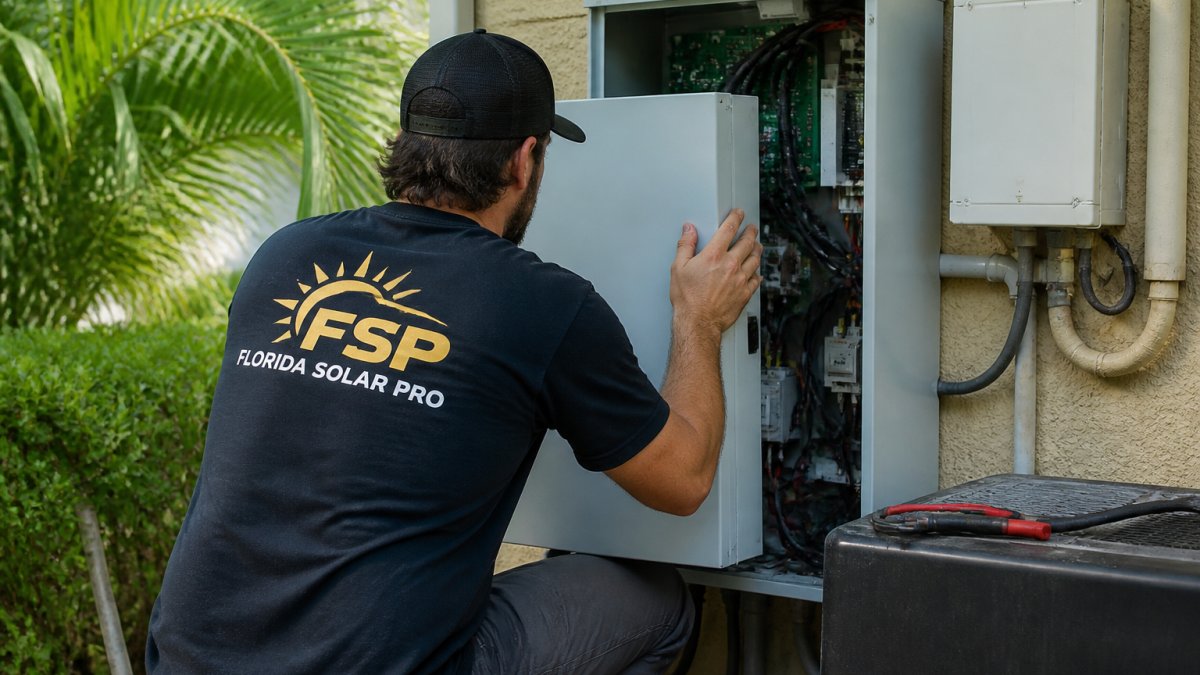
Do not open the inverter cover. The DC side holds live voltage even in daylight.
What the Error Codes Usually Mean
Most inverter codes fall into a few groups: grid faults, ground faults, arc faults, DC input faults, and communication faults. A ground or arc fault is a safety code and needs a licensed tech.
If your original installer is gone, we take over orphaned systems and their warranties. That's the whole point of our Solar Rescue service.
Enphase Microinverter Not Working? Check One Panel at a Time
An Enphase microinverter converts power at the panel. When one fails, the system's production can drop.
Open the app and look at the per-panel view. You'll see each panel's output. A dead microinverter shows as a flat panel while its neighbors keep producing.
Possible causes include:
- A failed microinverter.
- A loose or corroded connector.
- A communications gap.
That's a pro job. We're certified on Enphase.
SolarEdge Optimizer Troubleshooting: Reading the Panel Map
A SolarEdge system uses optimizers and an inverter. If your app provides panel-level information, review it for changes.
Look for a panel that's flat or grayed out while the others show output. That can indicate a system issue that needs professional diagnosis.
A SolarEdge optimizer issue needs professional diagnosis.
Solar Monitoring App Not Updating? Fix the Signal First
A monitoring app that won't update can indicate a communications problem. Check the system's status separately before concluding that it is producing power.
Check these in order:
- Your home Wi-Fi. Did the router change or the password reset?
- The gateway or communicator. Is it plugged in and showing lights?
- The app itself. Log out and back in, and check for updates.
- Your internet provider. An outage can leave the app stale for days.
If the app is dead but the inverter screen shows normal output, the app and inverter are reporting different information. For a local team, see how Florida Solar Pro handles repair calls.
The Other Causes: Wiring, Shade, Dirty Panels, Faults, and Season
Not every drop is a failed box. Some of the most common causes are simple, and a few are things you can handle yourself.
Damaged Wiring and Connectors
After a storm, check for visible damage from the ground and call a professional if you suspect damaged wiring or connectors.
Symptom: intermittent output and random error codes. Cause: corrosion or a rubbed conductor. DIY or pro: pro. Wiring on the DC side is live and dangerous.
Shade, Dirty Panels, and Storm Debris
New shade or debris can affect panel output.
Symptom: a gradual dip. Cause: possible shade or soiling. DIY or pro: don't climb on the roof; call a professional if you suspect a panel problem.
After storm debris or damage, have the system assessed by a professional.
Electrical Faults and Seasonal Changes
A ground fault or arc fault is a safety issue. The system shuts down on purpose. Don't reset it and hope. That's a pro call every time.
Seasonal change is different. Florida days get shorter in winter, and output drops with them. If the curve is smooth and the drop matches the season, nothing is broken.
When to Stop and Call a Technician
Stop and call when you see any of these: a red light you can't clear, a ground or arc fault code, a burning smell, scorch marks, water inside a box, or a total outage that lasts more than a day. Once your own checks are done, book a Broward solar repair service and we'll take it from there. Those are not DIY items.
If you have an unexplained production drop, schedule a professional system inspection.
Our Solar Rescue Assessment is a flat $149 with a 2-hour diagnostic cap. If you enroll in a Service Protection Plan within 30 days, the full amount is credited toward the plan. We're a family company. The owner answers the phone, and the people who quote your job are the people who service it.
We cover Port St. Lucie, Boca Raton, Delray Beach, Jupiter, Coral Springs, Parkland, Fort Lauderdale, and the rest of our territory from south of Daytona to Miami and west to Sebring. Call Broward at 954-372-3358 or Palm Beach at 772-464-2663.
Frequently Asked Questions
Why has my solar production suddenly dropped?
A sudden drop can have several causes, including an inverter, microinverter, optimizer, breaker, or monitoring issue. Check your monitoring app for changes, but don't treat its display alone as a diagnosis. Don't open the equipment yourself.
How can I tell if my panels are producing less or the monitoring app is wrong?
Compare the app with your electric bill, but don't use the bill alone to confirm current production. A monitoring app that isn't updating can have a communications issue. Review the inverter's display or status light without opening equipment, and contact a professional if the system's status is unclear.
What should I check when my solar inverter stops producing?
Look at the inverter's status light and screen without removing any cover, and note any error code. Don't open the equipment. If the display is blank or shows an error, contact a professional for diagnosis.
What should I do if my original solar installer went out of business?
Florida Solar Pro takes over orphaned systems and their warranties, and we're certified on Enphase, SolarEdge, SMA, Fronius, and APsystems equipment. A Solar Rescue Assessment includes a 2-hour diagnostic cap.